Adding Team Members
You can invite team members to your workspace so they can help create, schedule, and manage content. Each plan includes a set number of team member slots.
How to Invite
- Your workspace owner or admin invites you via email
- You receive an invitation link
- Click the link, create an account (or log in), and you're in the workspace
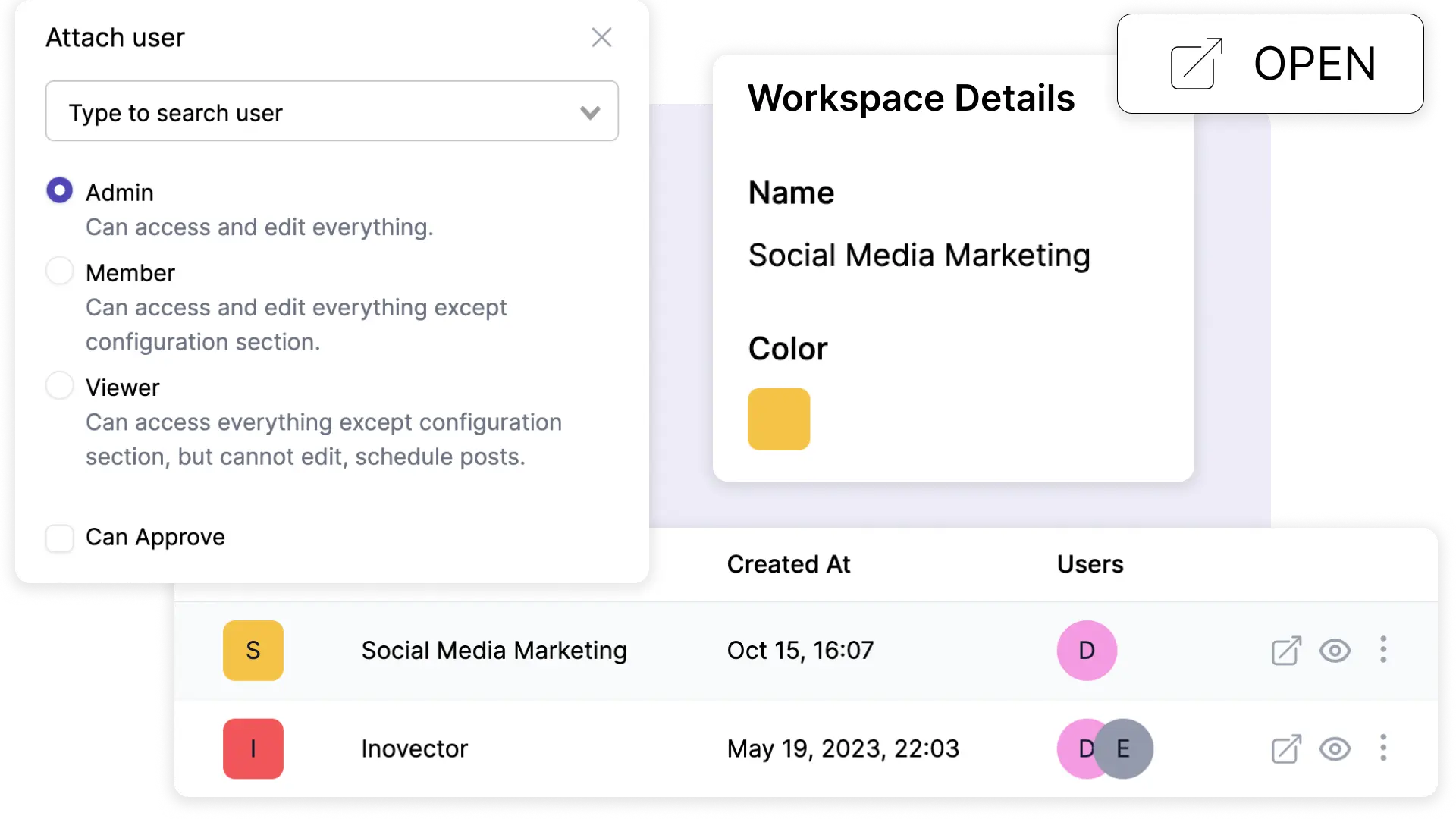
Roles
- Admin — Full access: manage accounts, settings, team members, and approve posts
- Editor — Can create, schedule, and manage posts and media. Cannot change workspace settings.
Post Approval
Team members can be configured to require approval before their posts go live. When a member without approval permission schedules a post, it goes to Needs Approval status. An admin or approved member then reviews and approves it.
This is great for maintaining brand consistency when multiple people are creating content.
Plan Limits
| Plan | Team Members |
|---|---|
| Creator | 1 (solo) |
| Growth | 2 |
| Scale | 5 |
| Enterprise | Unlimited |