What Is the Posting Schedule?
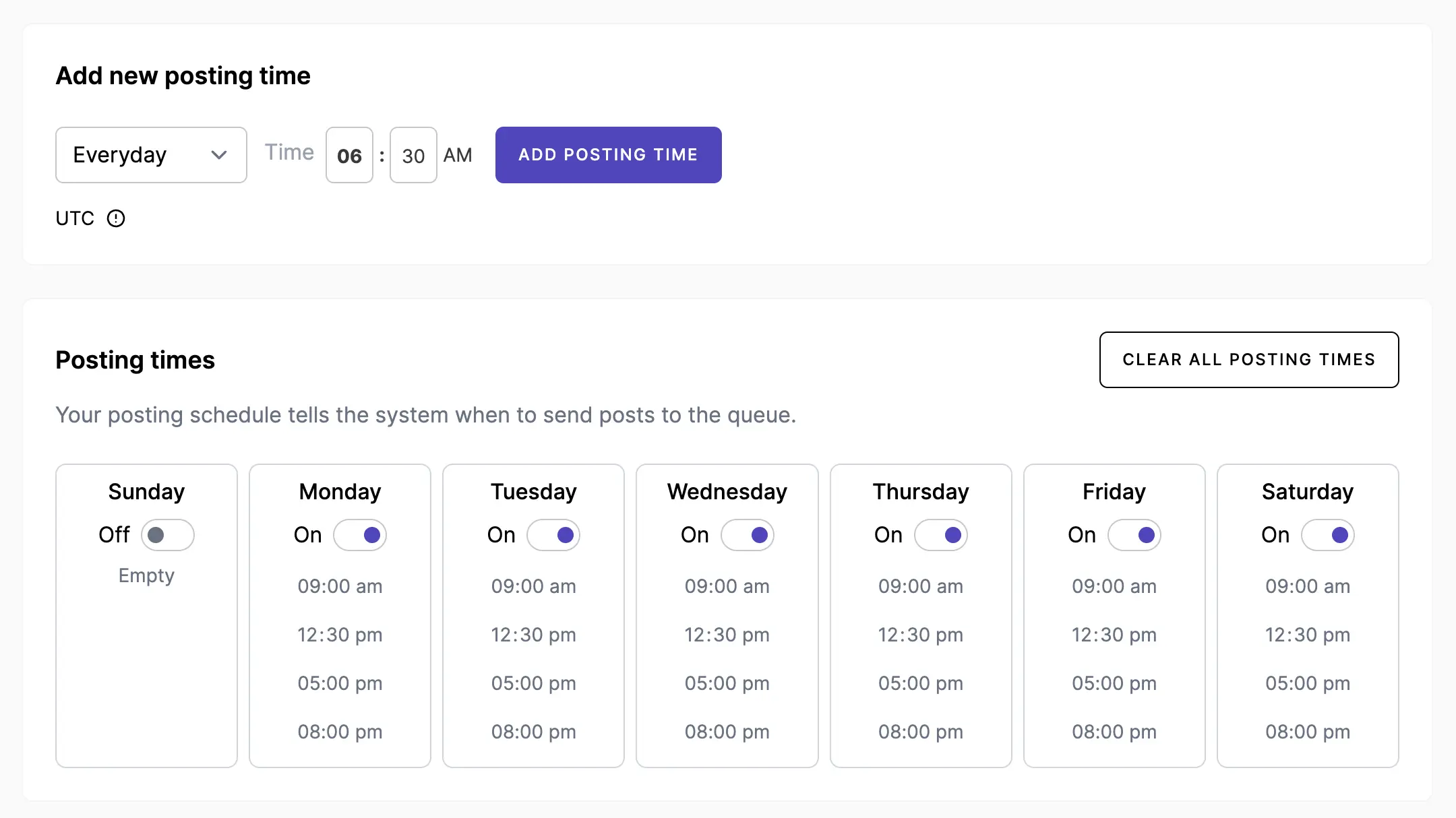
The posting schedule defines your default time slots for each day of the week. When you add a post to the queue (instead of scheduling a specific time), it automatically publishes at the next available slot.
Setting Up Your Schedule
- Go to Posting Schedule in the sidebar (under the admin section)
- For each day of the week, add the times you want posts to go out
- Common schedules: 9am, 1pm, 6pm daily — but adjust based on your audience
- Save your schedule
Using the Queue
Once your schedule is set, you can add posts to the queue instead of picking a specific date and time. Posts in the queue are published in order at the next available time slot.
This is ideal for batch-creating content — write 10 posts in one session, add them all to the queue, and they'll spread out over the next few days automatically.